Adobe Firefly WebUI deserves more attention than it's getting.
The AI landscape moves fast—new models launch daily, influencers sprint from one benchmark comparison to the next, and it's easy to miss what's quietly evolving in the background.
Over the past months, I've tested most of the prominent AI tools for automotive design work: Vizcom, Midjourney, Kling AI, Krea, Leonardo, Higgsfield, plus the usual suspects like ChatGPT and Gemini.
Meanwhile, Adobe has been building something interesting that's flying under the radar.
After my recent exploration of Photoshop 2026's integrated AI tools, I decided to dig into Firefly's standalone web interface—and I was genuinely surprised by what it can do.
Yes, Firefly's model within Photoshop has limitations. But the Firefly WebUI (weblink in comments!) gives you access to multiple state-of-the-art models, not just Adobe's own.
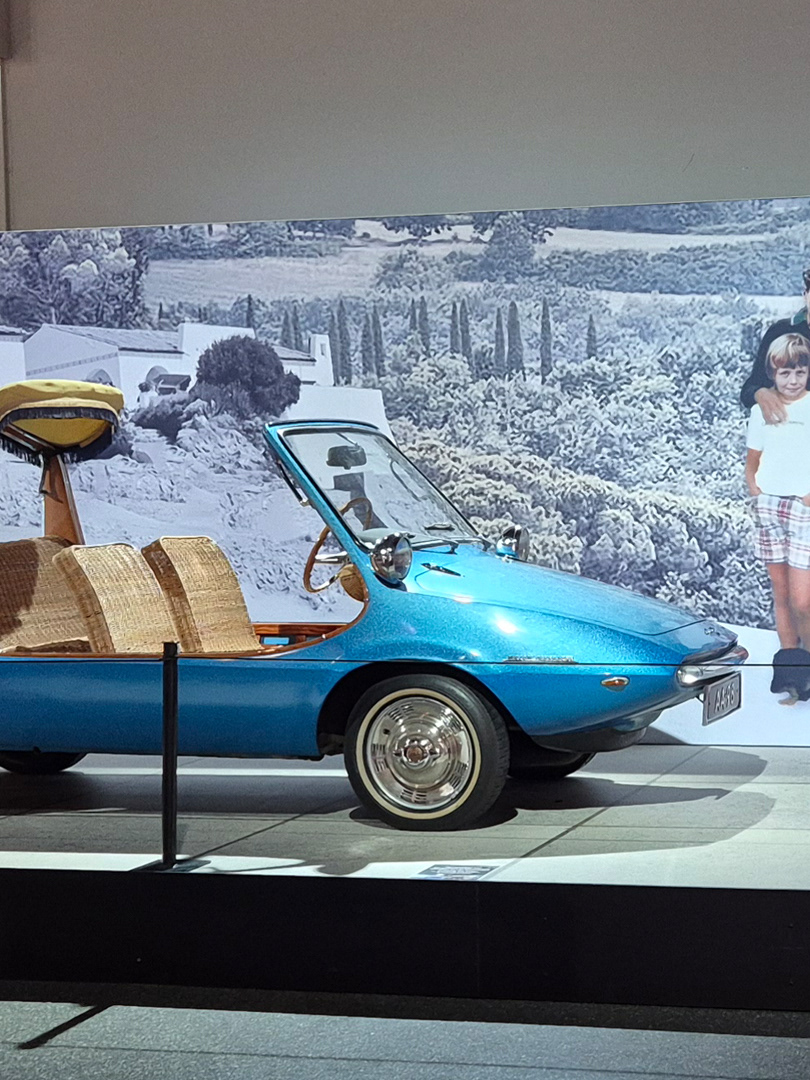
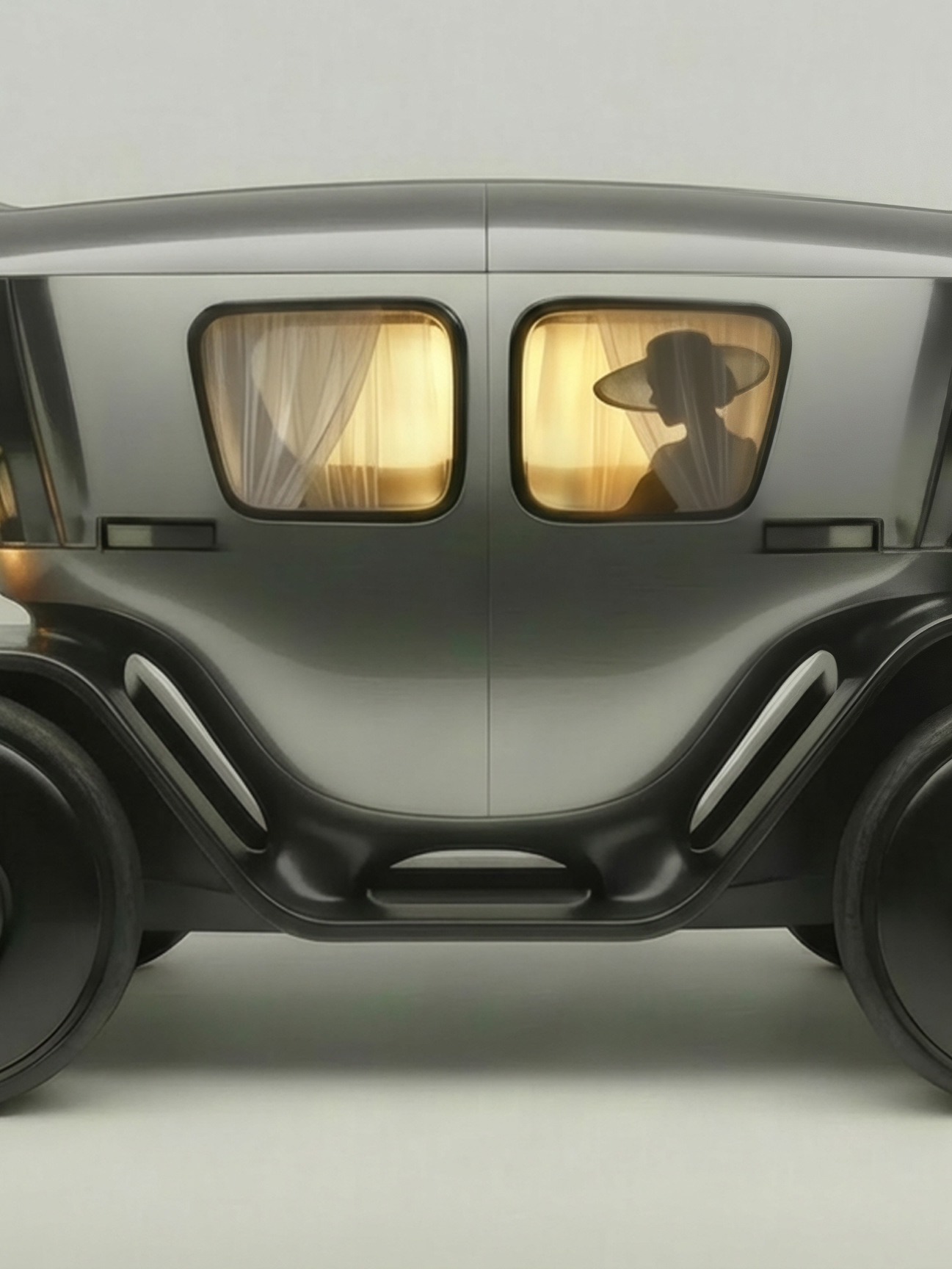
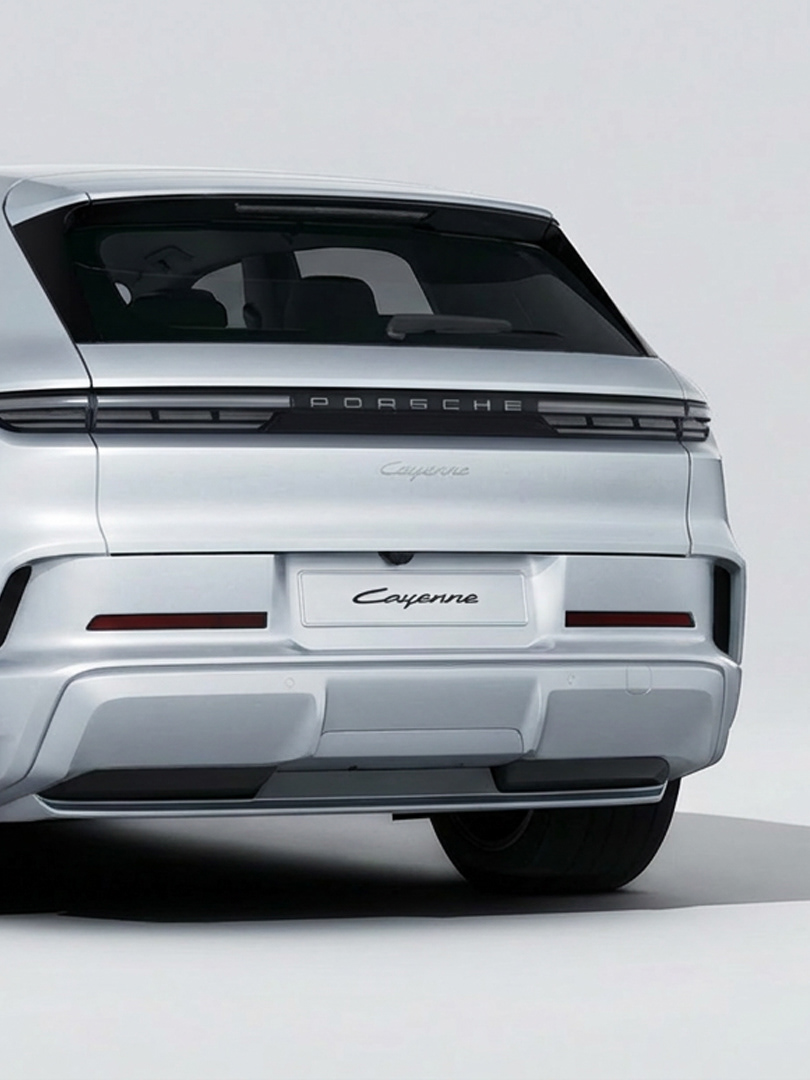
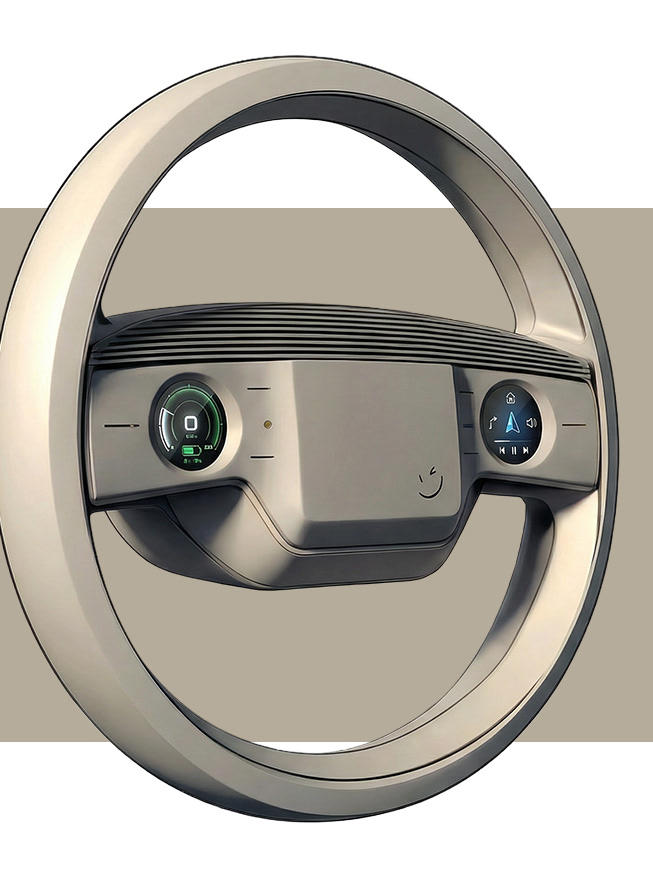
The video below was created entirely in Firefly WebUI—starting from a simple steering wheel sketch, using Nano Banana Pro for image generation to create key frames, then Veo 3.1 Fast for video generation.
The workflow was surprisingly smooth.
Beyond generation, Firefly WebUI includes practical Quick Actions that actually save time in real production work.
The "Remove Background" tool, for instance, outperforms Photoshop's own Subject Select in many cases—and if you already have an Adobe license, you're paying for this capability anyway.
Worth exploring if you're working with AI in your design process.
The AI landscape moves fast—new models launch daily, influencers sprint from one benchmark comparison to the next, and it's easy to miss what's quietly evolving in the background.
Over the past months, I've tested most of the prominent AI tools for automotive design work: Vizcom, Midjourney, Kling AI, Krea, Leonardo, Higgsfield, plus the usual suspects like ChatGPT and Gemini.
Meanwhile, Adobe has been building something interesting that's flying under the radar.
After my recent exploration of Photoshop 2026's integrated AI tools, I decided to dig into Firefly's standalone web interface—and I was genuinely surprised by what it can do.
Yes, Firefly's model within Photoshop has limitations. But the Firefly WebUI (weblink in comments!) gives you access to multiple state-of-the-art models, not just Adobe's own.
The video below was created entirely in Firefly WebUI—starting from a simple steering wheel sketch, using Nano Banana Pro for image generation to create key frames, then Veo 3.1 Fast for video generation.
The workflow was surprisingly smooth.
Beyond generation, Firefly WebUI includes practical Quick Actions that actually save time in real production work.
The "Remove Background" tool, for instance, outperforms Photoshop's own Subject Select in many cases—and if you already have an Adobe license, you're paying for this capability anyway.
Worth exploring if you're working with AI in your design process.